Google category
What it is
Apparel & Accessories > Shoes
A value from Google's fixed list. Submit one category for each product.
The right category for every product. Clear examples, valid IDs and a simple Shopify setup.
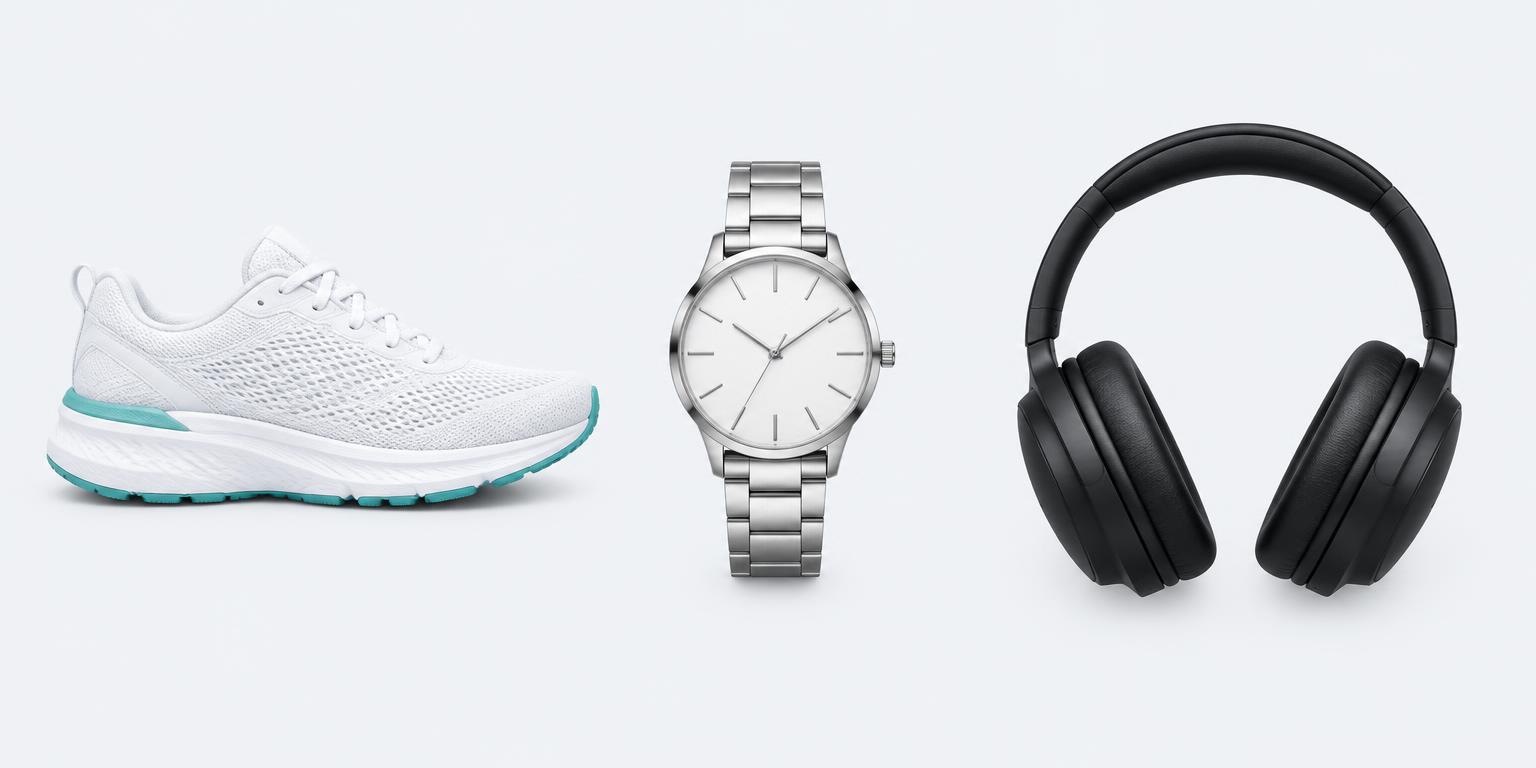
Running shoes
Category ID 187
Analogue watch
Category ID 201
Headphones
Category ID 543626
Illustrative products. Category examples use Google's published taxonomy.
Google product categories come from a fixed list called the Google product taxonomy. Each entry has a category path and a numeric ID.
Google can categorise an item automatically. If it gets the match wrong, the google_product_category attribute lets you override it.
google_product_category: 201Use the ID or the full path. Not both.
Choose the most specific valid match for the product itself. A longer path is only better when it is accurate.
Apparel & Accessories > Shoes
ID 187Apparel & Accessories > Jewelry > Watches
ID 201Electronics > Audio > Audio Components > Headphones & Headsets > Headphones
ID 543626Selling clothing or accessories? Read our fashion ecommerce taxonomy guide for the product details that sit alongside the category.
Three different jobs. Keep them separate.
What it is
Apparel & Accessories > Shoes
A value from Google's fixed list. Submit one category for each product.
How you organise it
Running > Road shoes
Your own structure in the product_type feed field. Useful for organising Google Ads product groups.
Where shoppers find it
Summer running essentials
A storefront group. It is not automatically a valid Google product category.
Separate shoes, watches, supplements and other product types. Do not assign one broad category to the entire catalogue.
Open Google's current category list. Search for the item's main function, then copy the valid ID or full path.
Review the Google & YouTube channel or feed app you use. Check whether it maps Shopify's category and where it lets you override the Google category.
Sync your changes and inspect the product in Merchant Center. Review category-related issues and any extra attributes required for that item and market.
Next: see how Merchant Center sends product data to Google Ads.
“Best sellers” and “Sale” are not Google categories. Keep promotional groupings in custom labels or your own store structure.
Do not force a product into a specific category that does not fit. Use the nearest accurate category in the official list.
It does not replace a clear title, accurate price, availability, GTIN or strong images. Check those separately.
Size, colour, material and gender belong in their own attributes where relevant, not in an invented category path.
For a wider product-page check, get our Shopify SEO, GEO and CRO checklist.
Google product categories are the standard labels in Google's product taxonomy. They describe what a product is, rather than the collection, brand or promotion it belongs to. The feed attribute is called google_product_category.
Google publishes its taxonomy as downloadable text files linked from the official product category specification. Use that list for valid names and IDs, not a retailer's own navigation menu.
Google automatically categorises products. A category override is optional, but useful when Google's assigned category is wrong or a specific category is needed for category-dependent requirements. Check the current specification for your product and market.
Submit one Google product category per product. Pick the category that describes its main function. Your own collections and product types can organise it in other ways.
No. Shopify uses its own standard taxonomy. Your Google sales channel or feed app may map the category, but you should inspect the resulting Google feed rather than assume the two fields are identical.
A correct category helps Google interpret the item and apply relevant requirements. It does not guarantee more traffic or revenue. Titles, images, identifiers, price, availability and campaign settings still matter.
Get your categories, product details and Merchant Center issues checked together.